
How FreeSteamIdler works
No downloads, no scripts, no VMs. Here's the entire pipeline, from signup to hours on your profile.
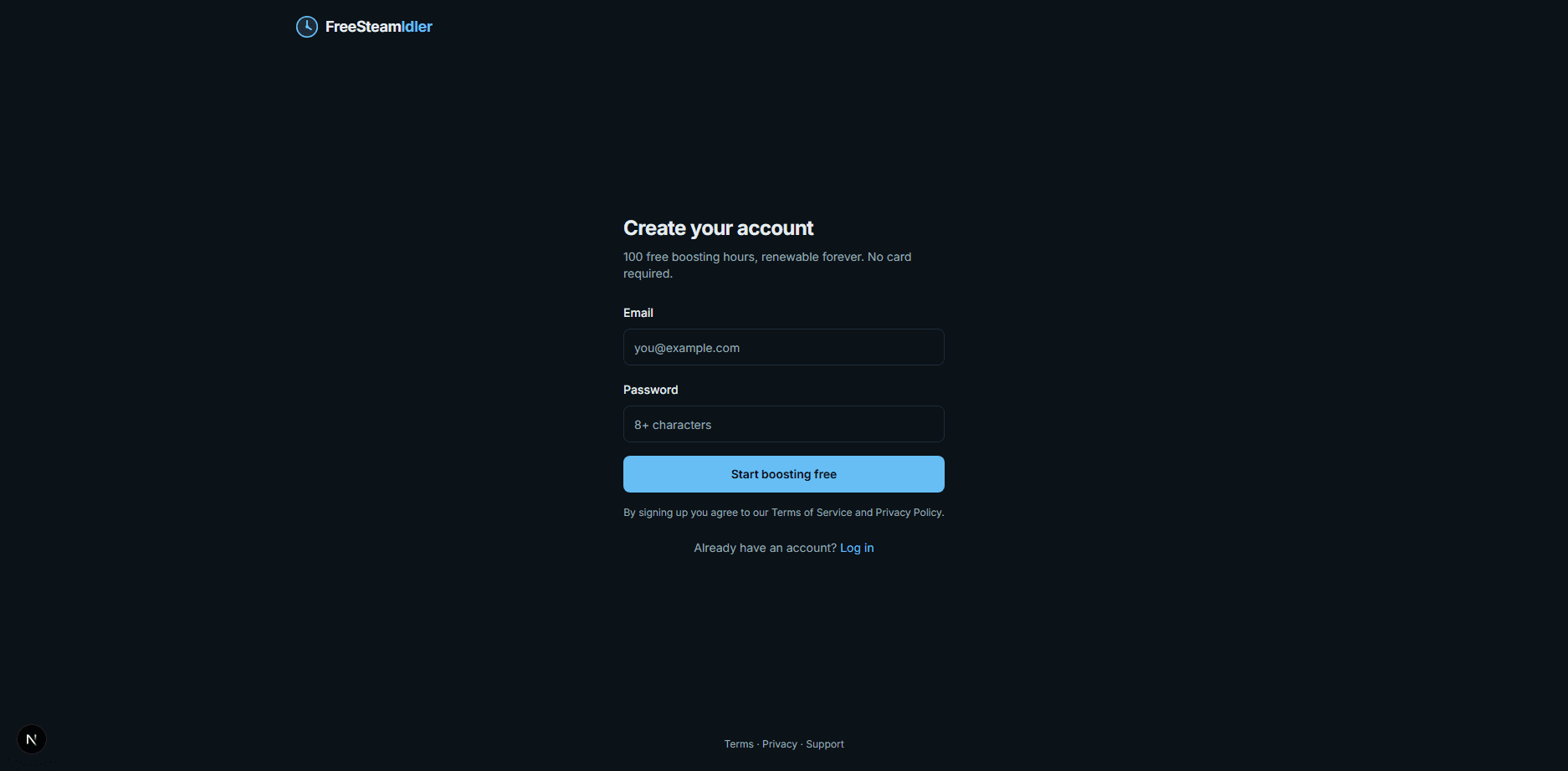
1 · Create your account
Sign up with an email and password - thirty seconds, no credit card. Every new account starts on the Free plan: 100 hours of 24/7 boosting on one game, refilled every month. Verify your email and you're in.
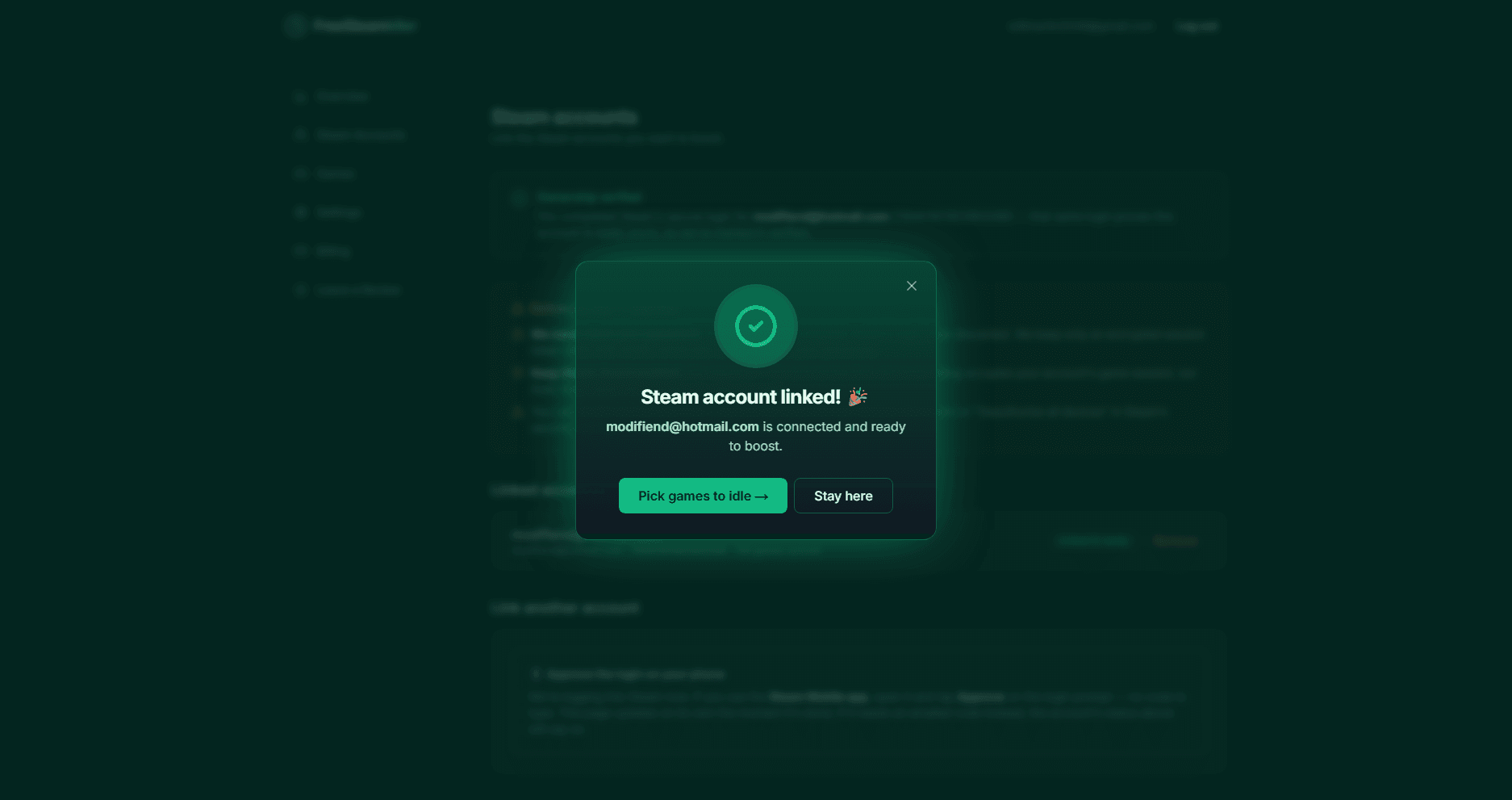
2 · Link the Steam account you want boosted
This is the step where honesty matters, so here's exactly what happens: you enter your Steam login and a Steam Guard code (email or mobile authenticator). Our worker performs a standard Steam login - the same protocol your desktop client uses - and Steam returns a refresh token. We encrypt that token with AES-256-GCM using a key derived per-user and store only the ciphertext. Your password is never written to disk, never logged, and never stored. Steam Guard stays fully enabled. You can revoke everything at any time from Steam's security settings or by unlinking in your dashboard.
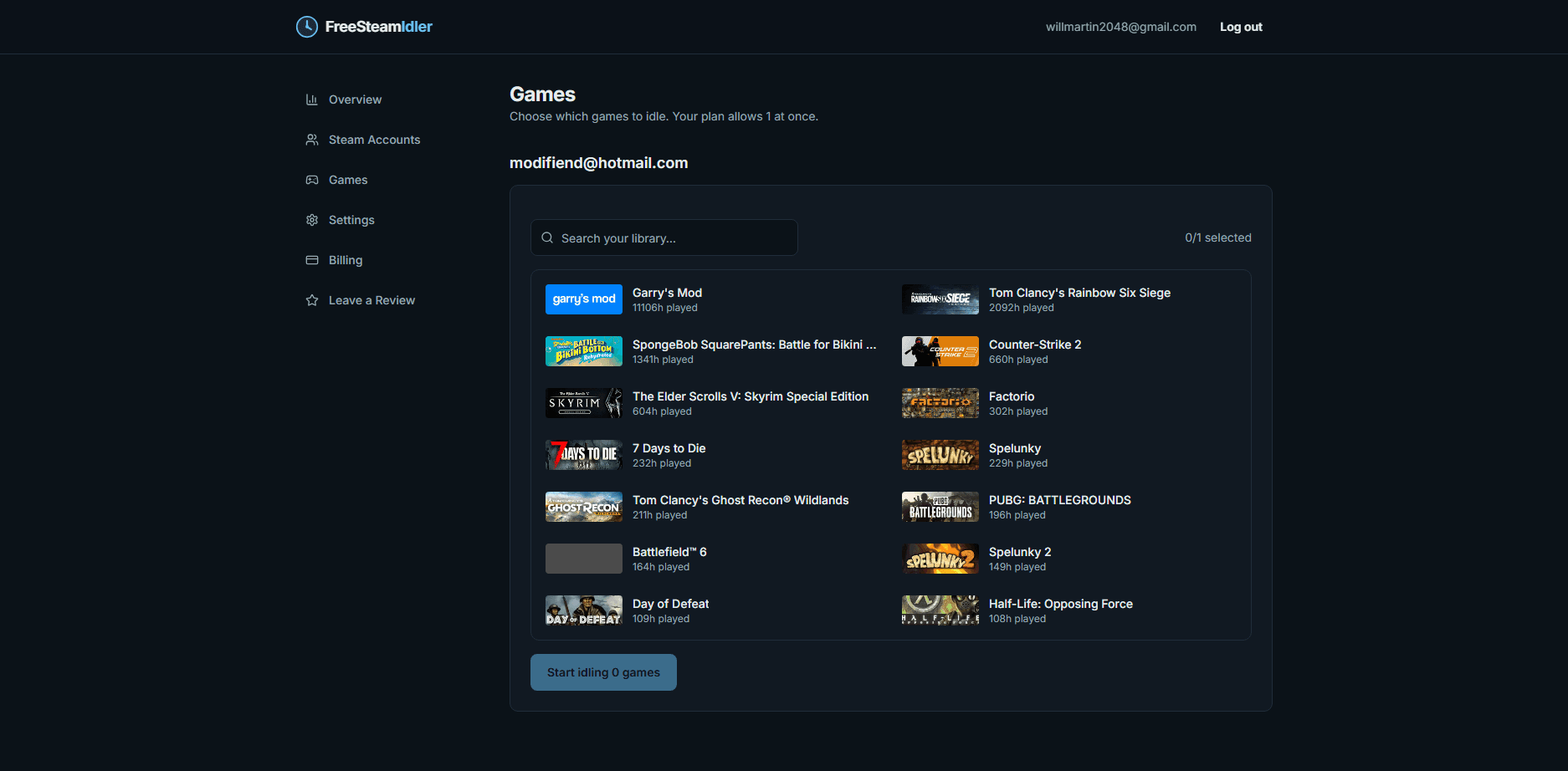
3 · Pick your games and press start
Your owned games sync automatically. Select up to your plan's limit (1 on Free, 32 on Ultimate/Lifetime), press start, and our servers begin the session. From that moment your account reports as in-game 24/7: friends see you playing (or nothing, if you choose Invisible), Steam records playtime, trading cards drop on schedule for paid titles, and the dashboard shows live status and hours remaining.
Meanwhile, in the background
- Auto Stop - launch any game yourself and boosting pauses within seconds; it resumes when you log off.
- Auto Restarter - disconnects reconnect automatically with smart backoff.
- Card Farmer - farmed-out games rotate out so hours flow to games that still drop cards.
- Hour metering - your remaining pool ticks down only while a session is actively idling, never while paused.
Technical FAQ
What exactly runs on your servers?
A headless Steam session for your account - the same network handshake the Steam client performs, minus the game itself. It tells Steam 'this account is playing these games', and Steam records playtime accordingly.
Why do you need my Steam login and not just 'Sign in with Steam'?
Steam's OpenID sign-in only proves you own an account - it grants no ability to start game sessions. Idling requires an authenticated Steam session, which is why we ask you to log in once with Steam Guard. That same login also confirms the account is yours, so we mark it verified. We keep only the resulting encrypted refresh token, never your password.
What if Steam logs my session out?
The Auto Restarter reconnects automatically with increasing backoff. If your account is logged in elsewhere repeatedly (someone else playing), we pause and email you rather than fight for the session.
Can I stop at any time?
Instantly, from the dashboard - one click stops the session. Unlinking your account deletes the stored token, and you can additionally revoke all sessions from Steam's own security settings.