Idle Counter-Strike 2 hours: free, 24/7, no PC required
CS2 hours are the first thing anyone checks on a profile before a scrim, a trade, or a faceit invite. High playtime signals a legitimate, seasoned account. Traders especially treat low-hour accounts with expensive skins as suspicious. Many community servers and trading groups also set minimum-hour requirements before you can participate.
Counter-Strike 2 sits at the heart of the biggest competitive FPS community on Steam, with over a million concurrent players. FreeSteamIdler keeps your account marked as in-game around the clock from our servers: you gain 168 hours of Counter-Strike 2 playtime every week without launching the game, leaving your PC on, or installing anything. Start on the free plan (100 hours, refilled every month) and upgrade only if you want more games at once.
One honest note: Counter-Strike 2 is free-to-play, and Steam grants F2P games their card drops based on in-game purchases rather than playtime. Idling Counter-Strike 2 is about the hours on your profile. If you want card income too, add a paid game from your library to the same session (every plan from Basic up idles 6+ games simultaneously).
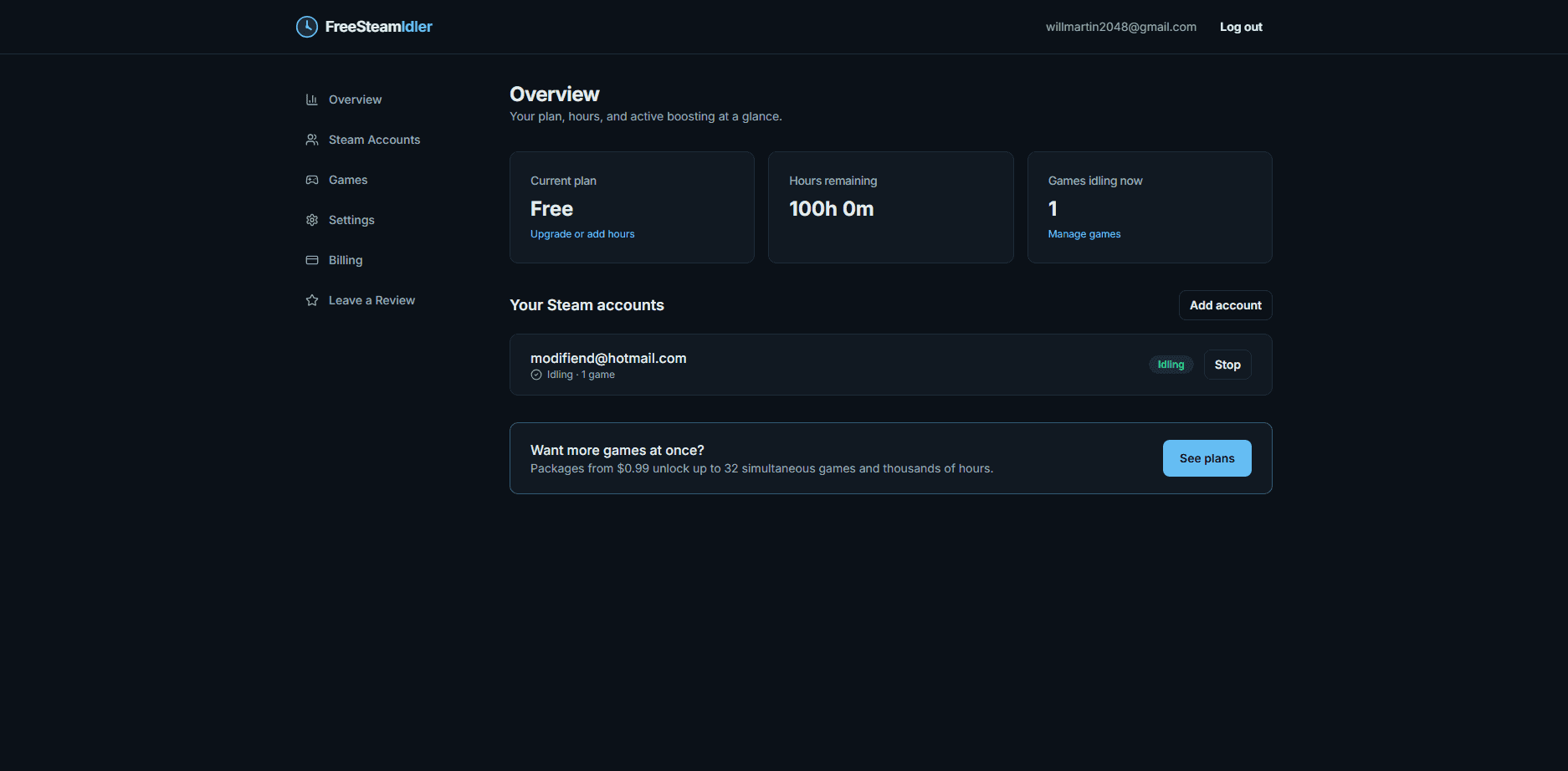
How to idle Counter-Strike 2 hours
Create your free account
Sign up with just an email, no credit card. Every account starts with 100 free idling hours, refilled every month.
Link the Steam account that owns Counter-Strike 2
Add your Steam login with Steam Guard. We capture only an encrypted session token (your password is never stored) and confirm Counter-Strike 2 in your library.
Select Counter-Strike 2 and press start
Our servers mark your account as playing Counter-Strike 2 24 hours a day. Close the tab, turn off your PC, and your hours keep counting either way.
Counter-Strike 2 idling tips
- Most trading communities treat 500+ hours as the credibility threshold, which takes under 3 weeks of 24/7 idling.
- CS2 is free-to-play, so trading-card drops come from in-game purchases rather than playtime; idle it for hours, not cards.
- Combine CS2 with Prime Status on your account for the strongest trust signal.
- Idling does not affect your Trust Factor. You are simply connected as playing, not in matches.