
Idle Marvel Rivals hours: free, 24/7, no PC required
Rivals lobbies accuse low-hour accounts of smurfing constantly, and competitive Discord communities check Steam profiles before scrims. Idling gives an alt or returning account believable playtime so ranked climbs don't come with smurf reports. As a F2P title, this is an hours play, not a card play.
Marvel Rivals sits at the heart of the hottest hero shooter scene, where smurf-spotting via hours is standard. FreeSteamIdler keeps your account marked as in-game around the clock from our servers: you gain 168 hours of Marvel Rivals playtime every week without launching the game, leaving your PC on, or installing anything. Start on the free plan (100 hours, refilled every month) and upgrade only if you want more games at once.
One honest note: Marvel Rivals is free-to-play, and Steam grants F2P games their card drops based on in-game purchases rather than playtime. Idling Marvel Rivals is about the hours on your profile. If you want card income too, add a paid game from your library to the same session (every plan from Basic up idles 6+ games simultaneously).
How to idle Marvel Rivals hours
Create your free account
Sign up with just an email, no credit card. Every account starts with 100 free idling hours, refilled every month.
Link the Steam account that owns Marvel Rivals
Add your Steam login with Steam Guard. We capture only an encrypted session token (your password is never stored) and confirm Marvel Rivals in your library.
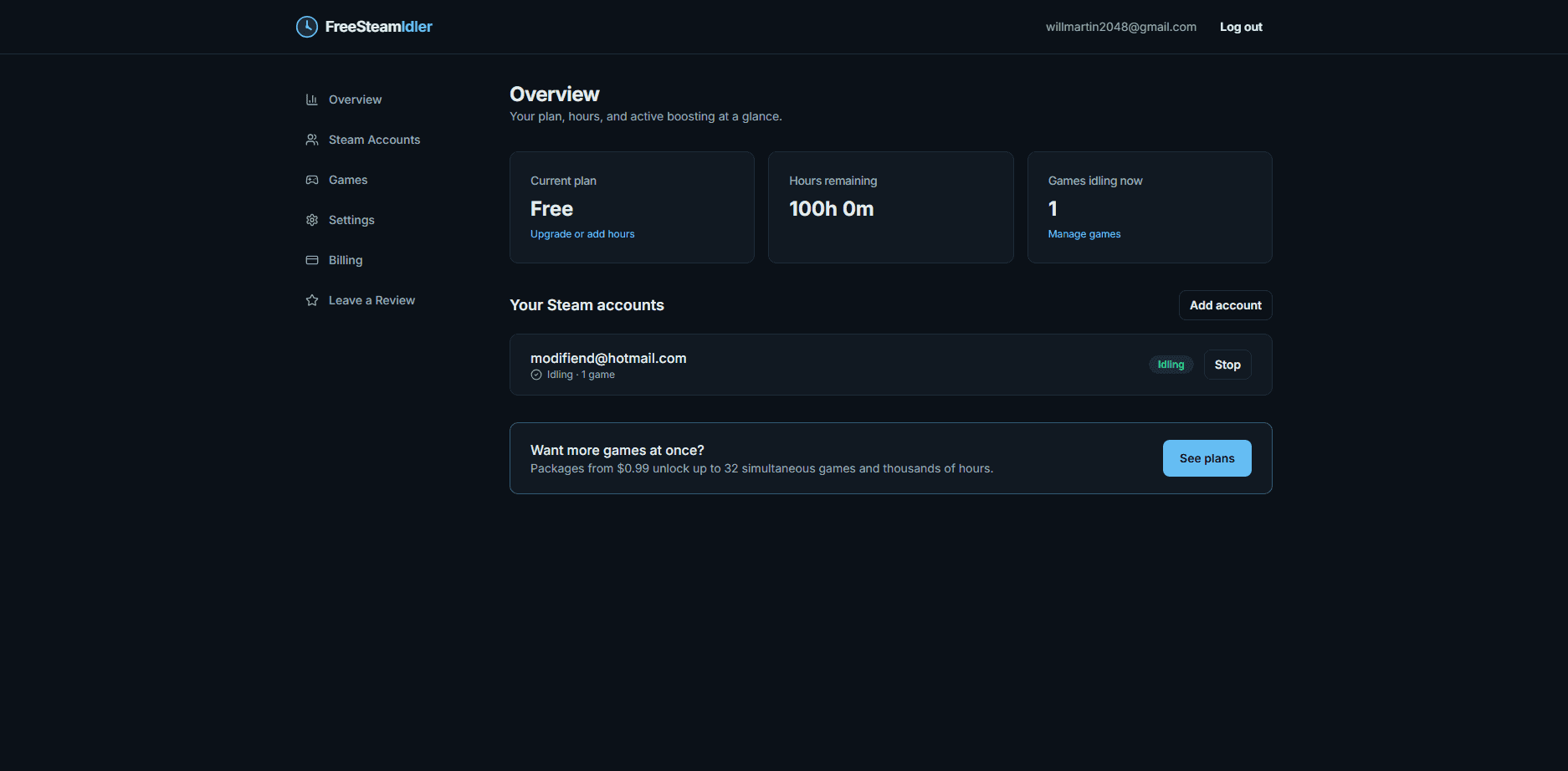
Select Marvel Rivals and press start
Our servers mark your account as playing Marvel Rivals 24 hours a day. Close the tab, turn off your PC, and your hours keep counting either way.
Marvel Rivals idling tips
- Scrim and ranked-team Discords typically screen for 300+ hours as anti-smurf hygiene.
- F2P card rules apply: drops come from spending, not playtime.
- Idle during off-season so your account is scrim-ready when the new ranked split starts.