Idle War Thunder hours - free, 24/7, no PC required
War Thunder's grind is legendary - top-tier jets take a thousand-plus hours - so squadrons recruiting for squadron battles filter by hours to find players who've actually reached competitive tiers. Idling brings a Steam-linked account's public hours in line with its real progression from the standalone launcher days.
War Thunder sits at the heart of vehicle-combat grinders with famously long progression trees. FreeSteamIdler keeps your account marked as in-game around the clock from our servers: you gain 168 hours of War Thunder playtime every week without launching the game, leaving your PC on, or installing anything. Start on the free plan (100 hours, renewable forever) and upgrade only if you want more games at once.
One honest note: War Thunder is free-to-play, and Steam grants F2P games their card drops based on in-game purchases rather than playtime. Idling War Thunder is about the hours on your profile - if you want card income too, add a paid game from your library to the same session (every plan from Basic up idles 6+ games simultaneously).
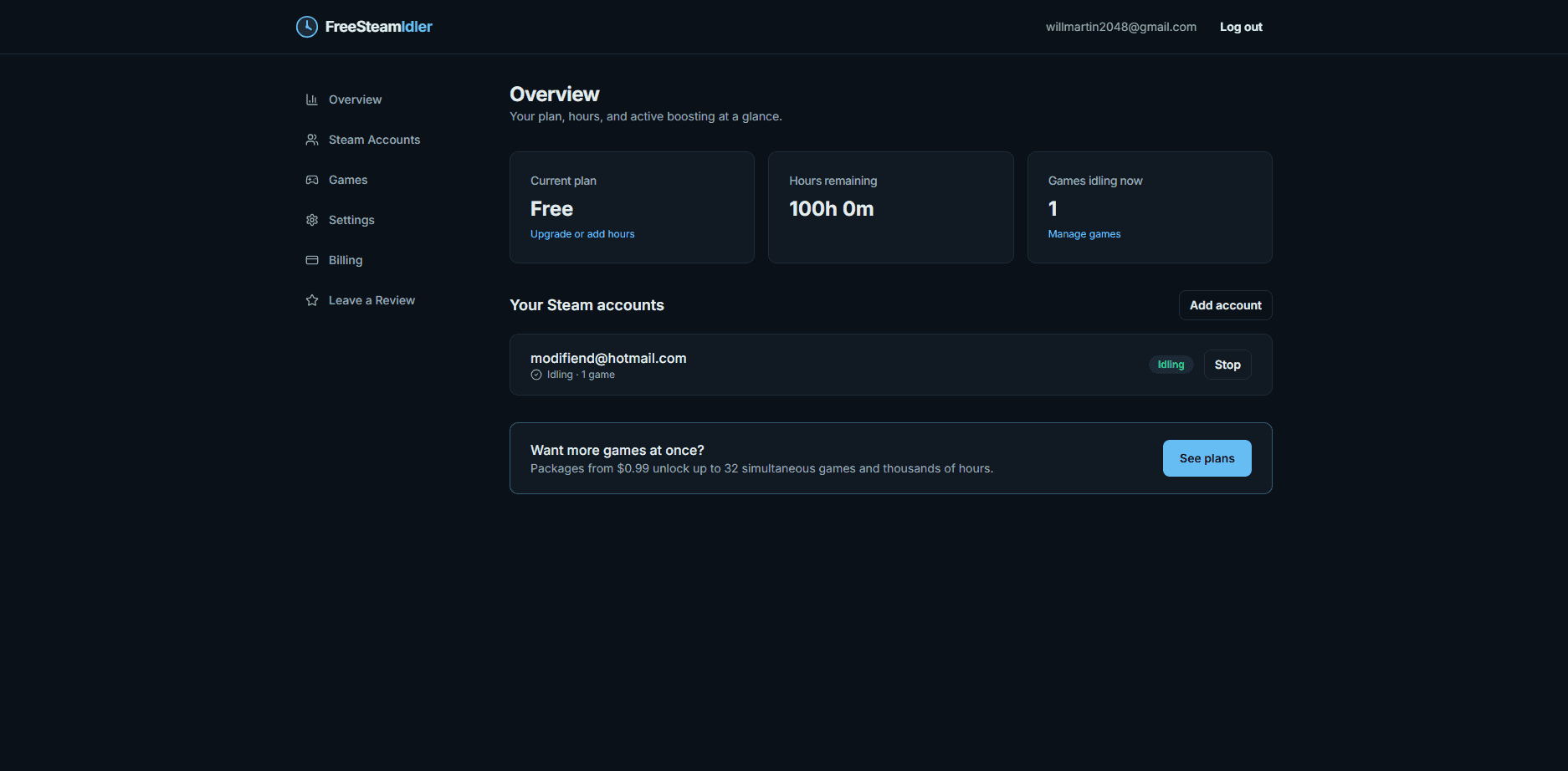
How to idle War Thunder hours
Create your free account
Sign up with just an email - no credit card. Every account starts with 100 free idling hours, renewable forever.
Link the Steam account that owns War Thunder
Add your Steam login with Steam Guard. We capture only an encrypted session token - your password is never stored - and confirm War Thunder in your library.
Select War Thunder and press start
Our servers mark your account as playing War Thunder 24 hours a day. Close the tab, turn off your PC - hours keep counting either way.
War Thunder idling tips
- Played via Gaijin's launcher before linking Steam? Idle to backfill the hours Steam never counted.
- F2P card rules: drops are purchase-based, so idle for the hour count.
- Squadron battle rosters commonly expect 1,000+ visible hours.
War Thunder idling FAQ
Do idled hours affect my research or lions?
No - in-game progress needs battles. Idling grows the Steam playtime squadrons screen by.
Why is my Steam playtime lower than my real playtime?
Time on Gaijin's standalone launcher never counted on Steam. Idling closes that gap honestly - you did play those hours.
Will Gaijin act against idlers?
Idling never touches Gaijin's servers - it's purely a Steam presence state. No known cases.